
Earbuds
Earbud buying guides and troubleshooting coverage that helps readers compare fit, battery life, pairing behavior, and day-to-day usability without fluff.
Browse the current public guides in this section, then open the article that matches your device, symptom, or question. GadgetLedger keeps the public archive focused on practical reader problems instead of publishing every draft.
See About, Editorial Policy, How We Test, and Corrections Policy for sourcing, update, and corrections standards.
-
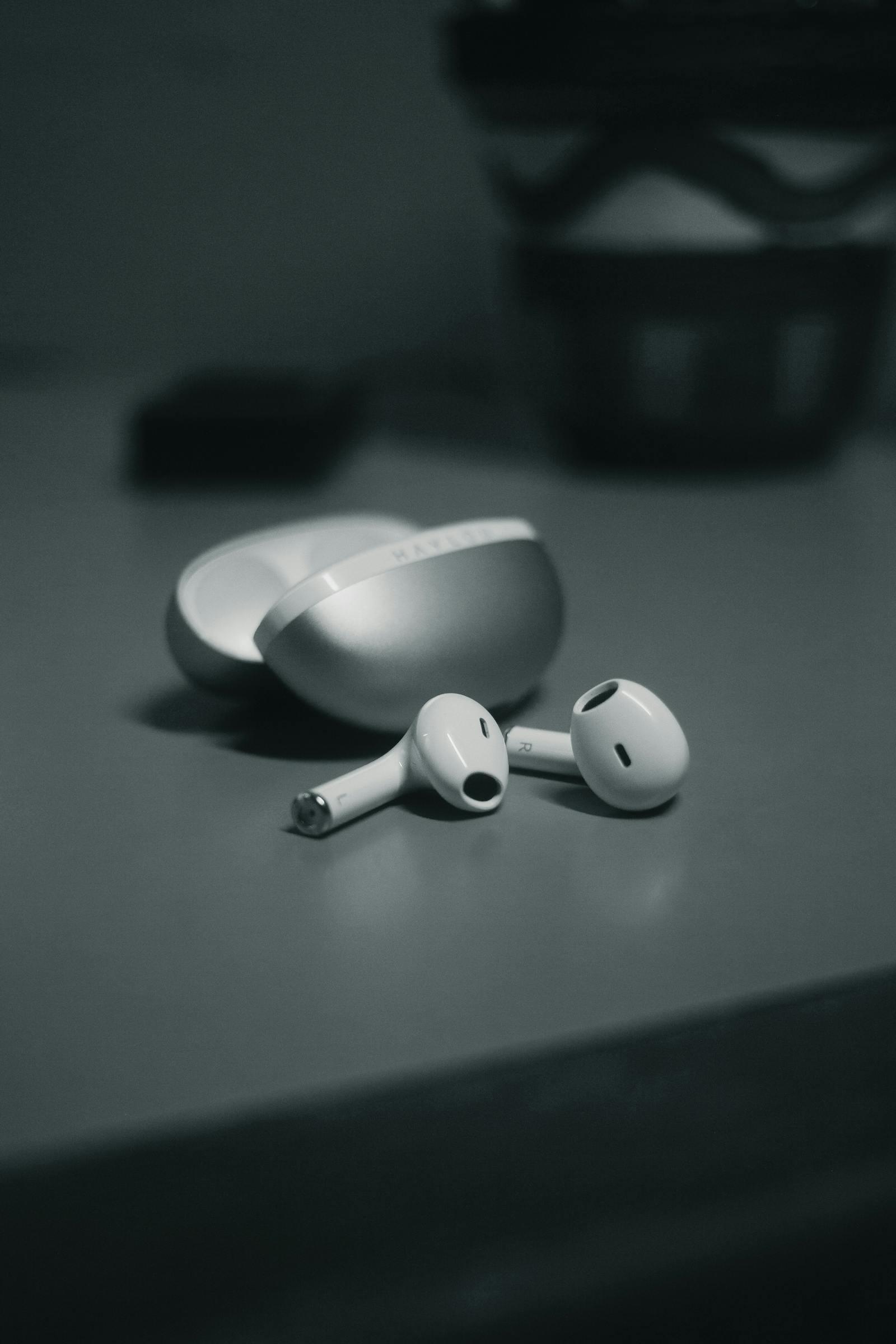
One AirPod Not Working? Try This Before You Replace It
Read article: One AirPod Not Working? Try This Before You Replace ItIf only one AirPod stops working, it is often a charging, contact, or balance issue rather than a dead earbud. Check those first.
-

Galaxy Buds Keep Disconnecting? What Usually Helps
Read article: Galaxy Buds Keep Disconnecting? What Usually HelpsGalaxy Buds disconnects are often caused by weak fit, signal interference, low battery, or outdated software rather than a dead pair of earbuds.
-
AirPods Not Charging? Check the Case and Contacts
Read article: AirPods Not Charging? Check the Case and ContactsMost AirPods charging problems come from the case, cable, or charging contacts rather than a dead battery. These are the first checks worth doing.
-
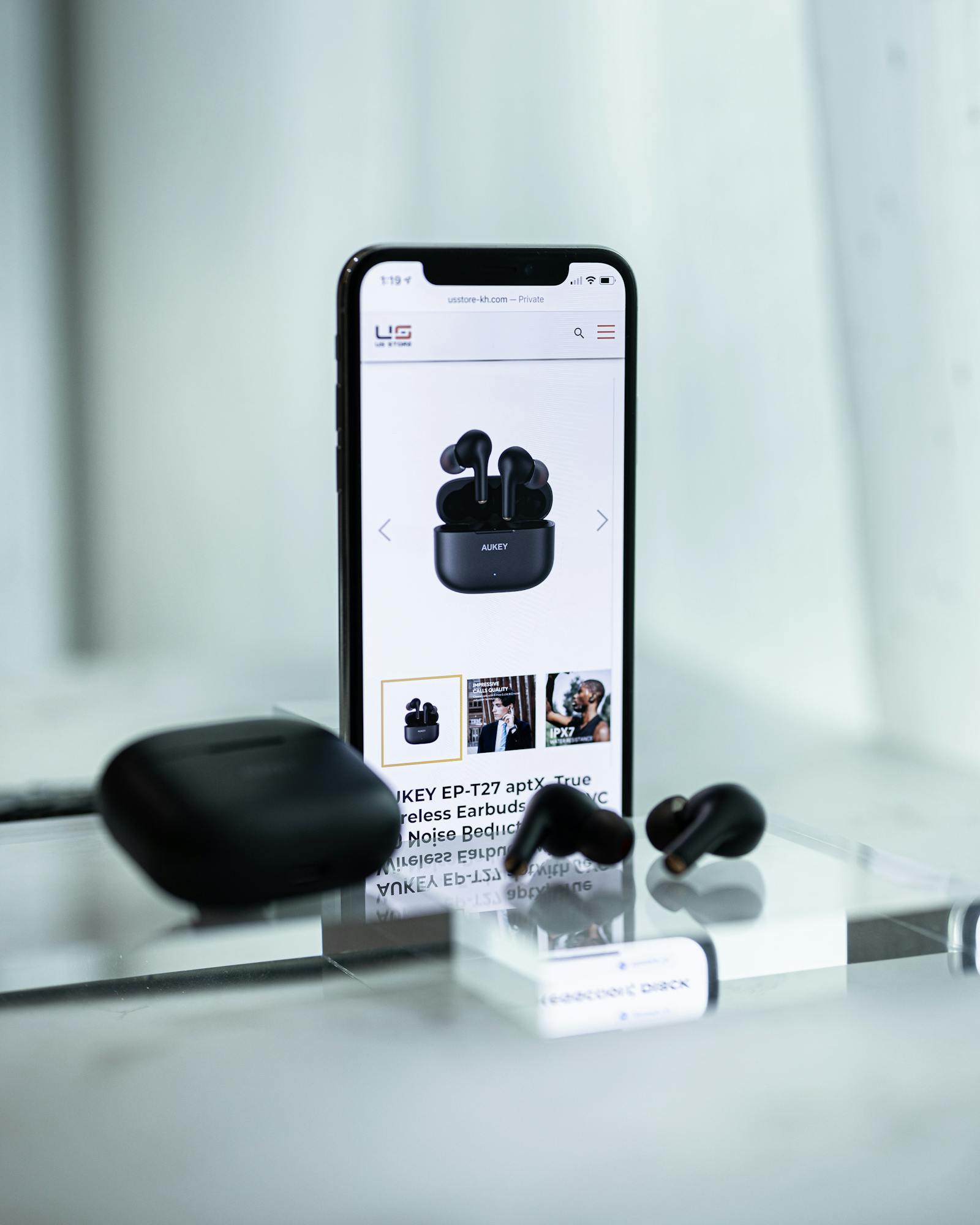
AirPods Won’t Connect? Try This Before You Reset Them
Read article: AirPods Won’t Connect? Try This Before You Reset ThemWhen AirPods stop connecting, the issue is often low charge, stuck Bluetooth data, or a case that never fully enters pairing mode. Start with those before you reset…
-

AirPods Keep Disconnecting? Here’s What Usually Helps
Read article: AirPods Keep Disconnecting? Here’s What Usually HelpsRepeated AirPods disconnects are often caused by low charge, stale Bluetooth pairing, or the earbuds jumping between devices instead of a dead pair of earbuds.
-

Galaxy Buds Won’t Connect? Try This Before Resetting
Read article: Galaxy Buds Won’t Connect? Try This Before ResettingGalaxy Buds connection failures often come from low charge, interference, stale Bluetooth data, or a Wearable app hiccup. These are the quickest things to rule out first.
Site pages worth checking
About · Contact · Editorial Policy · How We Test · Corrections Policy · Privacy Policy · Affiliate Disclosure