
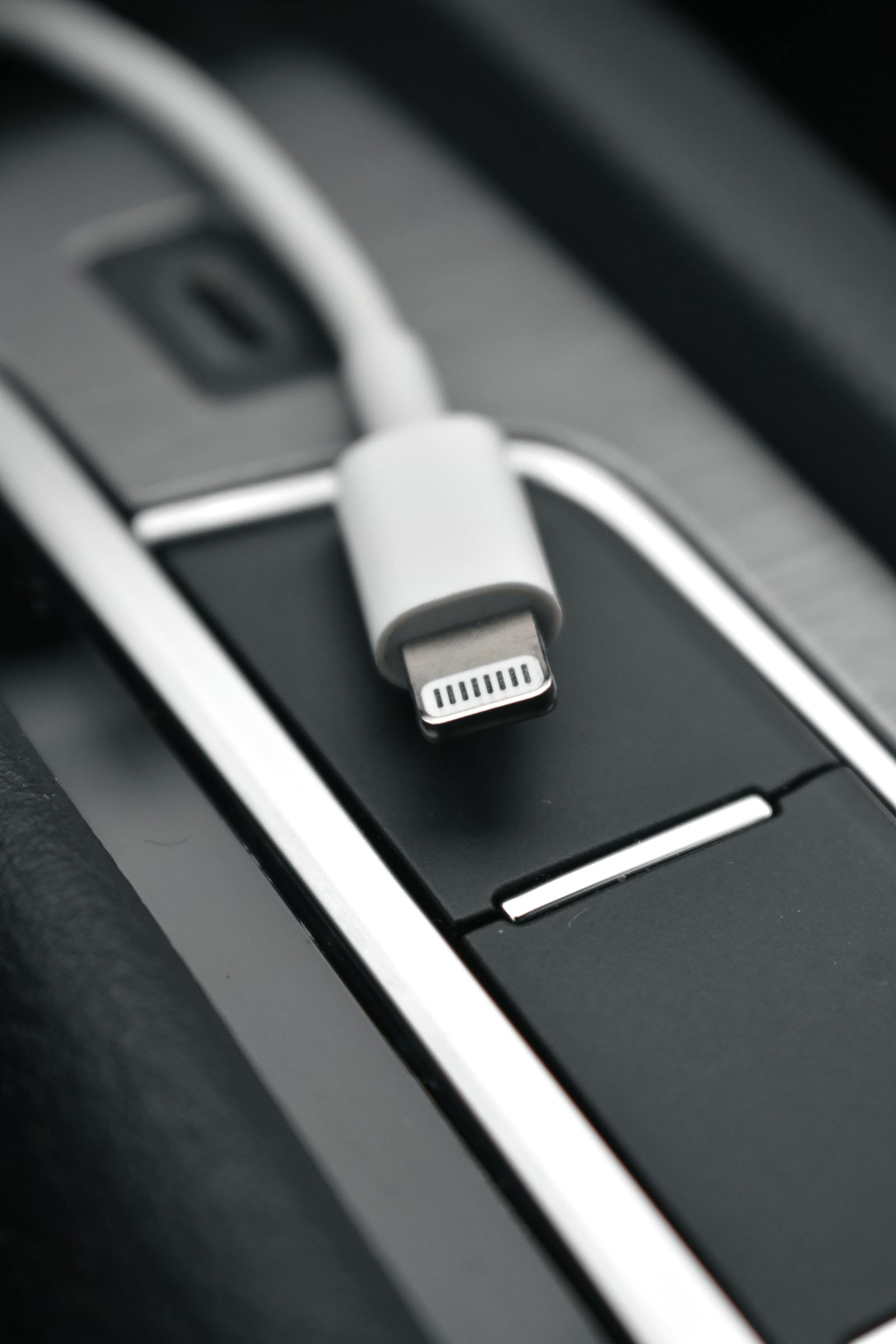
Image source: Photo from Pexels
If a charging cable stops working, start by assuming the problem could be anywhere in the charging path, not just inside the cable. Apple and Samsung both point people toward cable damage, dirty ports, bad adapters, loose connections, unsupported accessories, and moisture before anything more dramatic.
That is helpful because “my cable stopped working” often turns out to mean “my phone port is dirty,” “the brick is weak,” or “this accessory is not supported.” Figuring out which part is failing is much faster than swapping random parts endlessly.
Start Here First
If you want the short version, do these first:
- Inspect both ends of the cable for damage, corrosion, or bent metal.
- Test the cable with a known-good power adapter and wall outlet.
- Check the phone’s charging port for dust, debris, or moisture.
- Reconnect the cable directly, without hubs or extra adapters in between.
- If possible, try another cable and another charger to isolate the failure point.
That order catches a lot of ordinary cable problems quickly.
What Usually Causes This
Most “dead cable” problems come from a short list of causes:
- the cable or connector is damaged
- the wall adapter or outlet is the real issue
- debris or liquid is blocking the phone port
- the accessory is unsupported or not certified
- the connection feels loose because the port or cable end is worn
Those are easier to rule out than a sudden phone charging failure.
1. Inspect the Cable Before You Test Anything Else
Apple says to check the charging cable and USB adapter for signs of damage. Samsung also says to verify that the charger and USB cable have no physical damage. That matters because visible wear is often the most direct clue.
This first check matters most when:
- charging works only if the cable is held at an angle
- the connector feels loose or wobbly
- the cable recently got bent, pulled, or pinched
If the cable end is damaged, deeper software troubleshooting will not help.
2. Test the Whole Power Path, Not Just the Cable
Apple says to connect the device directly to the charger. Samsung says to charge the device with a known-good charger plugged into a known-working outlet. That is important because a bad brick or outlet can make a perfectly fine cable look dead.
Check these one by one:
- the cable with another adapter
- the same adapter with another cable
- a different wall outlet
- whether a PC USB port is the only thing being used
If only one part of the setup fails, you can usually isolate the real culprit quickly.
3. Look for Debris or Moisture in the Port
Apple says to remove debris from the charging port if needed. Samsung says to inspect for dust or foreign material and notes that moisture in the port can stop charging entirely. That makes the port one of the most important checks when the cable itself looks fine.
This becomes a stronger suspect when:
- the connector does not seat fully
- the phone charges only if you push the cable in firmly
- the phone shows a liquid warning or refuses to charge at all
If the port is blocked or wet, replacing the cable may not change anything.
4. Pay Attention to Compatibility Alerts
Apple says an “Accessory may not be supported” alert can appear when the accessory is damaged, unsupported, or the device port is dirty or damaged. That matters because the cable may be physically connected but still rejected by the phone.
This is the better suspect when:
- the phone shows a warning immediately after connection
- charging starts and stops with the same alert
- the cable works with one device but not another
If the phone is warning you about support or certification, treat that as a clue instead of just reconnecting over and over.
5. A Loose Connection Usually Means Something Is Worn or Dirty
Samsung says the USB cable should sit securely in the charging port with very little mobility. If it feels loose, something in the cable end or port may be worn, dirty, or damaged.
This matters most when:
- charging cuts in and out if the phone moves
- the cable falls out more easily than before
- the cable only works on one side or one angle
At that point, the better test is comparing with another cable instead of forcing the same one to keep working.
What Not to Do
If your charging cable is not working, these are usually the wrong moves:
- keep bending the connector to make it work
- assume the phone is broken before testing another outlet or adapter
- ignore debris or moisture in the port
- charge through extra hubs or adapters while troubleshooting
- trust a cable just because it still powers one device weakly
The safer path is to inspect the cable, adapter, outlet, and port one by one.
Final Take
If your charging cable is not working, start with visible cable damage, then test the adapter and outlet, inspect the port for debris or moisture, and watch for compatibility warnings before you replace anything.
A lot of cable failures are not really “cable only” failures. In real use, the port, charger brick, and compatibility warnings often tell the bigger story.
Official Help Pages Worth Checking
- If your iPhone or iPod touch won’t charge
- If an “Accessory may not be supported” alert appears on your Apple device
- Samsung phone or tablet will not charge
- Moisture in water-resistant Samsung phone or tablet’s charging port
FAQ
Why does my charging cable work only if I hold it a certain way?
That usually points to wear, a damaged connector, or a dirty port rather than a normal charging issue.
Can a dirty charging port make a good cable seem dead?
Yes. Apple and Samsung both point to debris in the port as a common reason charging fails.
What does “Accessory may not be supported” usually mean?
Apple says it can mean the accessory is damaged, unsupported, or the device port is dirty or damaged.
Should I test another charger before I throw the cable away?
Yes. A weak adapter or bad outlet can make a good cable look faulty, so isolating the full charging path is one of the fastest checks you can do.